

Learn more about our Business Application experience:
Your organization has significant financial and operational investments in its application portfolio. However, legacy applications are often difficult and expensive to scale, update, or even access using modern devices like tablets and smartphones.
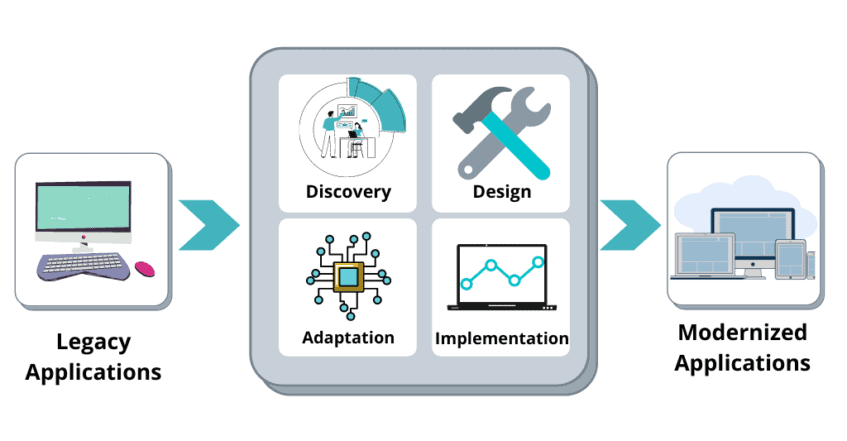
Modernizing legacy applications takes them to a whole new level, giving you the advantage of new, innovative technologies in the Microsoft cloud. Application modernization will help your organization increase the speed, scalability, and stability of your operations, reducing resources and costs while delivering new business value. For more information visit Application Modernization.
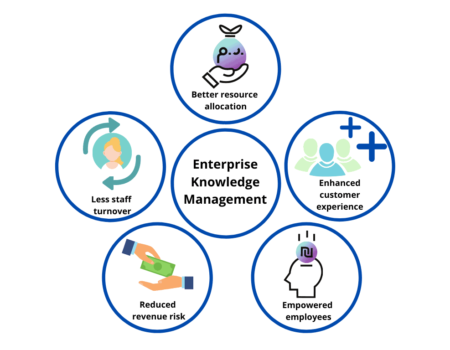
Knowledge management collects company-wide knowledge and makes it widely available throughout the organization. Organizational knowledge has traditionally been difficult to capture, maintain, and share.
Instead of wasting time looking for information in an array of emails, files, and other data silos, knowledge management creates a centralized repository where information is stored, organized, and shared. This makes it easy for people to find information and answers — without having to ask for help. For more information visit Knowledge Management.
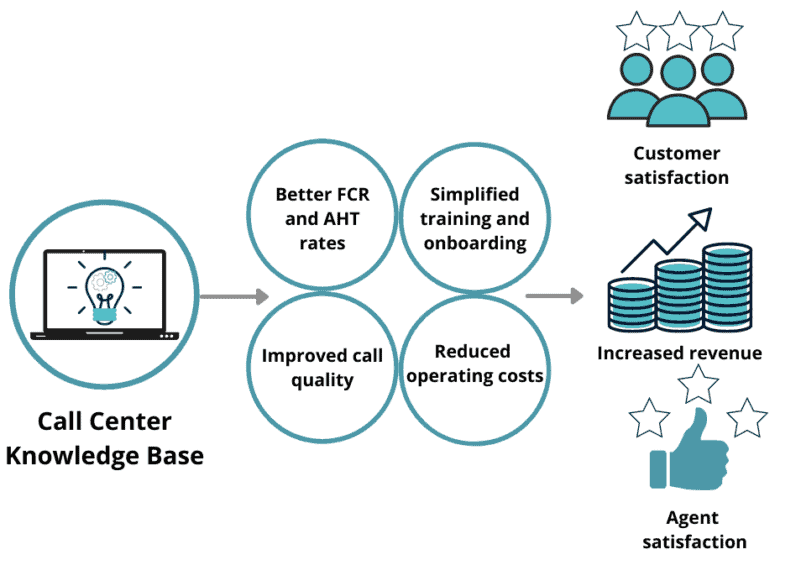
Call centers play a critical role in customer support in your organization. Whenever a customer has an issue or question, their first thought is to contact your customer service team. Your customers trust that the representatives working in call centers can provide support and resolution of their questions or requests, but agent errors, callbacks, and lengthy hold times erode that trust.
A call center knowledge base empowers customer service representatives with the information and technology solutions they need to create better customer experiences. Empowered agents aren’t just better at their jobs—straightforward access to useful information also drives employee satisfaction and reduces call center turnover. Modernizing your knowledge management system makes it easier for agents to provide personalized customer service across multiple channels, ensuring improved KPIs and solid returns on investments for the call center. For more information, visit Knowledge Management.
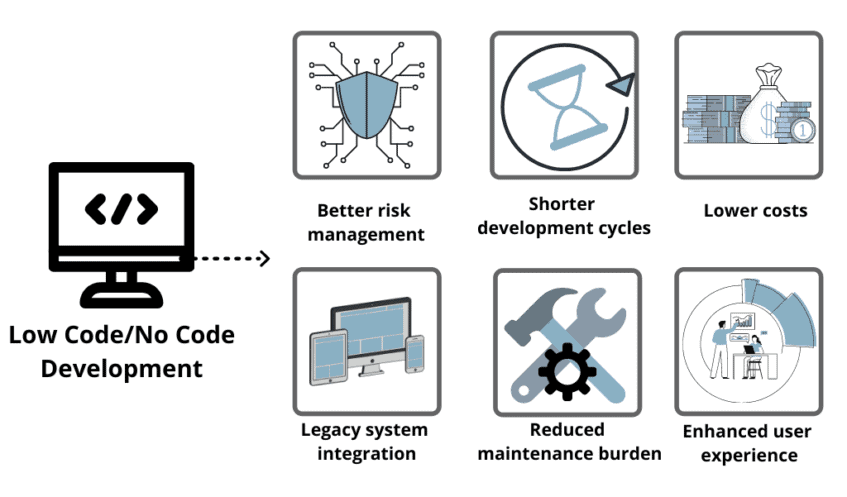
Applications and processes are critical to business success, but traditional software development can be a time- and resource-intensive process. Low-code app development puts the power of process automation in subject matter expert hands, reducing or eliminating IT or development resource dependencies for group and department-level processes.
Microsoft Power Platform can transform the way you work and deliver. Streamlining and digitizing your business processes using Power Platform helps you integrate, automate, track, and report on your critical processes. For more information about Low Code Development visit Microsoft Power Platform
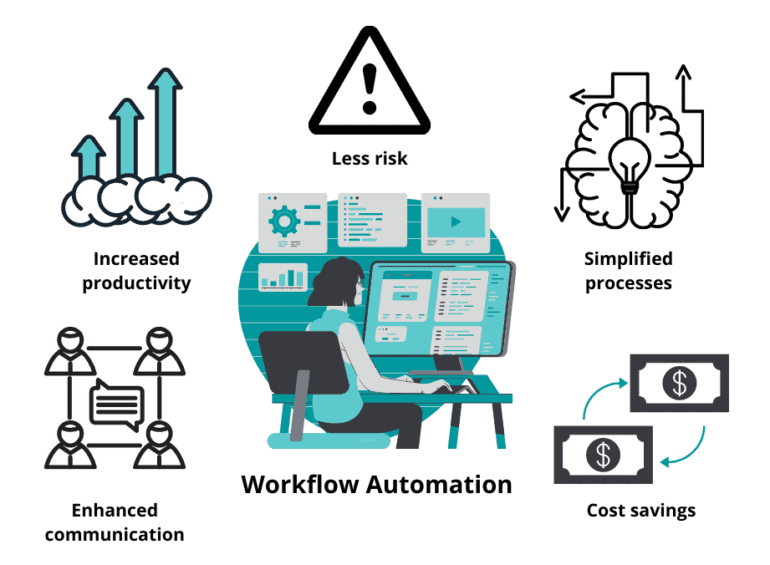
From marketing to finance and administration to IT, every core business process follows a workflow to complete. Process workflows are often comprised of time-consuming, costly, manual tasks, which are prone to error. Workflow automation decreases processing time, increases consistency, reduces complexity, and improves your overall efficiency.
Enterprise Workflow Automation ensures critical business processes meet the demands your organization requires while ensuring the scale, support, maintenance, and metrics needed to run your business. For more information about Enterprise Workflow Automation visit Microsoft Power Platform.